Which protocol should your NAS use with Seedr?
Compare FTP, FTPS, SFTP and WebDAV for NAS cloud storage: speed, security, resumable transfers and firewall setup, with the pick for each use case.

Compare FTP, FTPS, SFTP and WebDAV for NAS cloud storage: speed, security, resumable transfers and firewall setup, with the pick for each use case.
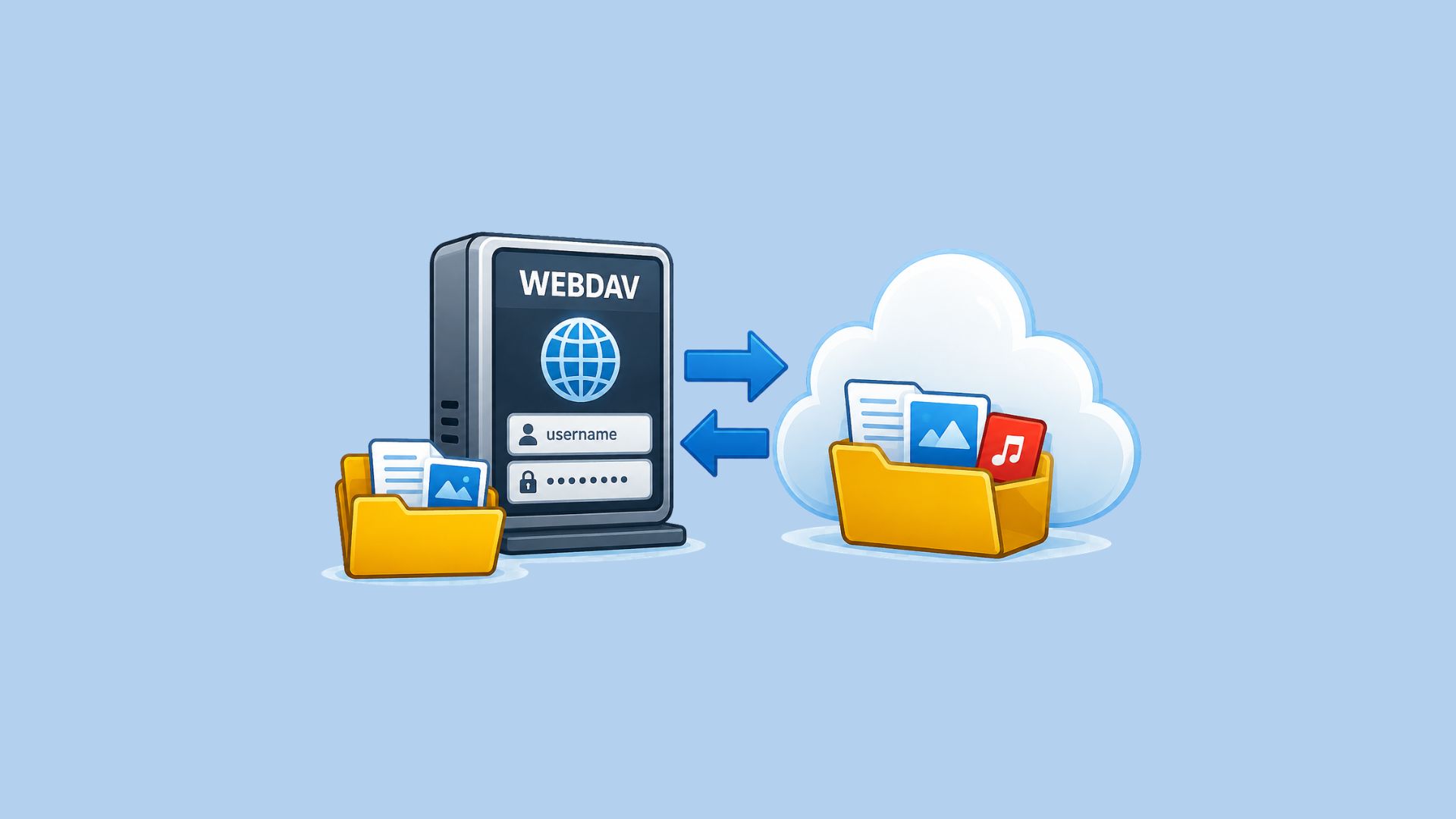
Sync, back up or mount Seedr on Synology, QNAP, TrueNAS SCALE or Unraid over WebDAV, SFTP or FTPS. Endpoints, app password and step-by-step setup.
Connect a Synology, QNAP, TrueNAS or Unraid NAS to Seedr. Choose a file service, limit folder access, configure ports and verify server identity.

Open iPhone HEIC photos from any device in Seedr’s cloud viewer — no conversion, no codecs, no extra apps — and keep them organized alongside your other files.

Learn how to easily connect your Seedr account to the Infuse app using WebDAV or FTP. View 4K media directly to your Apple TV or iOS device without saving.

Learn how to use Seedr V2’s Link button to add media links, scan webpages, upload files from your device, and share to Seedr via PWA or browser extensions.

Take your cloud media anywhere. Save videos for offline viewing on any phone or laptop with Seedr V2 — no reliable internet needed.
Mount Seedr once, then view and manage files like local storage. FTP/SFTP for Pro+ and new Basic, WebDAV for Master/Gold — quick setup steps inside.

This tutorial explains how to use Seedr on Roku, covering setup, basic navigation, and common usage patterns. It walks through the steps needed to access your content on a Roku device and clarifies how the Seedr interface behaves on TV.